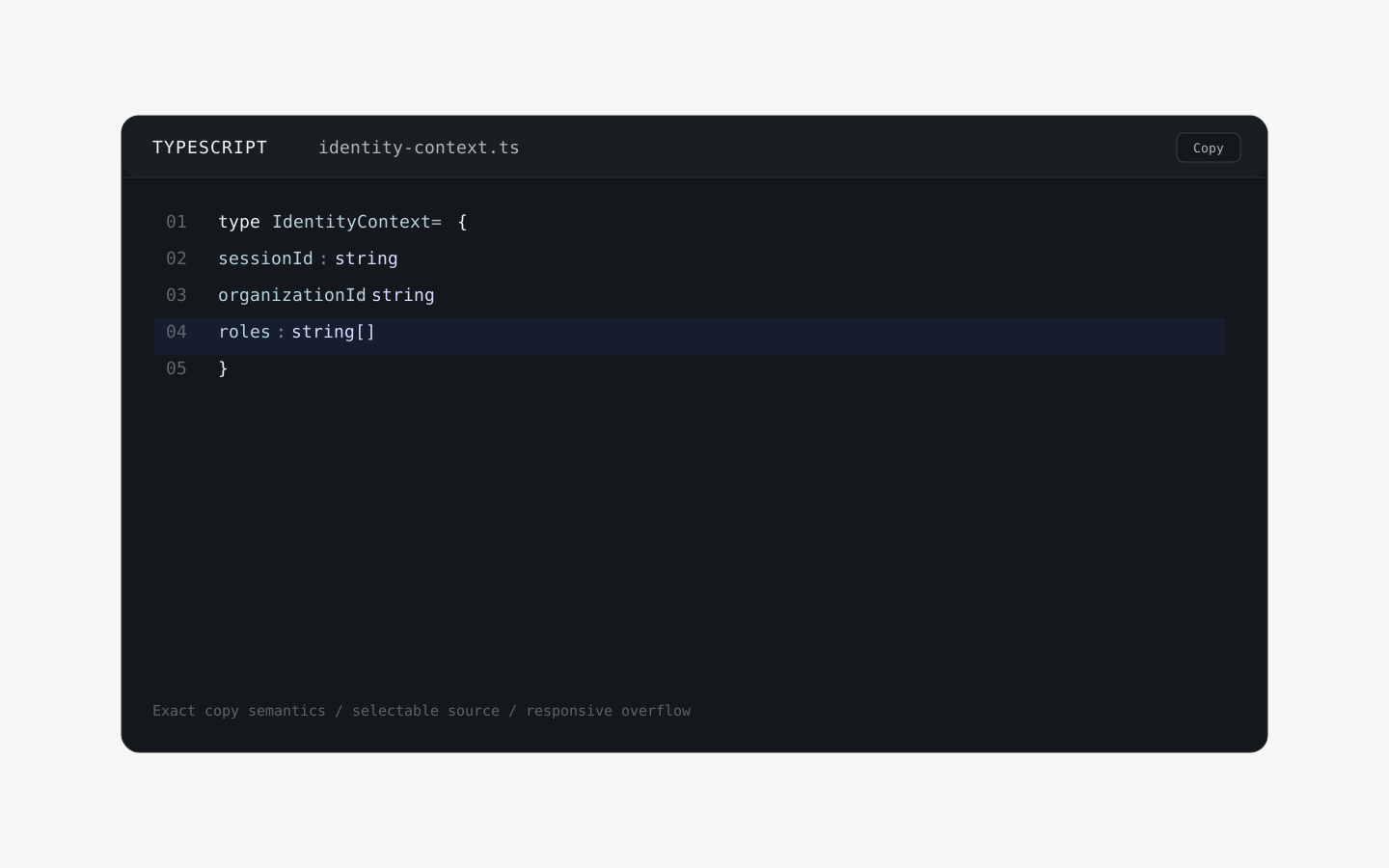
A code surface engineered to be copied correctly.
Syntax-aware code presentation with exact clipboard semantics, optional line context, safe fallback behavior, and responsive overflow.
type IdentityContext = {
sessionId: string
organizationId: string
roles: string[]
}
export function resolveContext(): IdentityContext {
return {
sessionId: crypto.randomUUID(),
organizationId: 'org_demo',
roles: ['developer'],
}
}The same reusable primitive used in the live demo, dropped into a real Velox product surface rather than a screenshot.
A small production-oriented code surface for documentation, technical product pages, and developer-facing interfaces.
The implementation intentionally avoids a large highlighting runtime and keeps the source text selectable even when a language is unsupported.
- Runs on
- {"React 19+","browser Clipboard API when available"}
- Requires
- No runtime dependency beyond React. Clipboard support gracefully falls back to selectable text when the browser does not expose navigator.clipboard.
What you do not have to build. Your product is what is left.

Exact copy semantics
Copies the source string only — never line numbers, labels, or decorative UI.

Lightweight syntax awareness
Provides readable language-aware token styling without shipping a large highlighting engine.

Safe fallback
Unknown languages remain selectable plain text instead of relying on unsafe HTML injection.

Responsive by design
Long lines remain inspectable through deliberate horizontal overflow rather than destructive wrapping.
Drops into your project. Stays intact when you edit.
- Integration
- The primitive is designed to drop into documentation and technical product surfaces without owning page layout or data.
- Install
- Import the CodeBlock component, pass the source string, then optionally set language, filename, lineNumbers, highlightedLines, and wrap.
- Customizable
- Code content, language label, filename, line numbers, highlighted lines, and wrap behavior are exposed through a small typed API.
- Protected
- Source text safety, copy semantics, and responsive overflow behavior remain internal to the primitive.
Exactly what you can configure. Each one with its type and default.
- codestringDefault —
Exact source text rendered and copied.
- languageCodeBlockLanguageDefault text
Language identifier used for the lightweight syntax-aware presentation.
- filenamestring?Default undefined
Optional filename or path displayed in the toolbar.
- lineNumbersbooleanDefault false
Shows a presentation-only line-number gutter.
- highlightedLinesnumber[]Default []
One-based line numbers to emphasize without changing the copied source.
- wrapbooleanDefault false
Controls whether long lines wrap instead of using horizontal overflow.
The last questions, answered plainly.
No. Line numbers are presentation-only and are excluded from the clipboard payload.
The source remains fully selectable and copyable; unsupported languages fall back to plain text rather than failing.
No. The first release uses a small deterministic tokenizer so the primitive remains lean.